Ugreen 90408 manual Archives - gadgetsea

Product Tag: Ugreen 90408 manual

Home » Ugreen 90408 manual
Ugreen 90408 manual

Showing the single result

Show:

UGREEN 10Gbps M.2 NVMe SATA SSD Hard Drive Enclosure With 2 Cables 90408

(0)
Highlights:

How to Install:

  • Loosen the fixed screws by screwdriver to open the cover
  • Insert your SSD into the slot
  • Use the included rubber screws to secure the SSD in place
  • Stick the thermal pad to SSD
  • Fixed the screws by screwdriver to close the cover

Packaging Includes:

  • UGREEN M.2 NVMe and SATA Hard Drive Enclosure x 1
  • USB C to USB C cable (0.8ft) x 1
  • USB C to USB A cable (0.8ft) x 1
  • Thermal Pad x 1
  • Position Fixed Screw x1
  • Screwdriver x 1
  • User Manual x 1
Scroll To Top
Close
Close

Shopping Cart

Close
Shopping cart2
UGREEN 10Gbps M.2 NVMe SATA SSD Hard Drive Enclosure With 2 Cables 90408
-
+
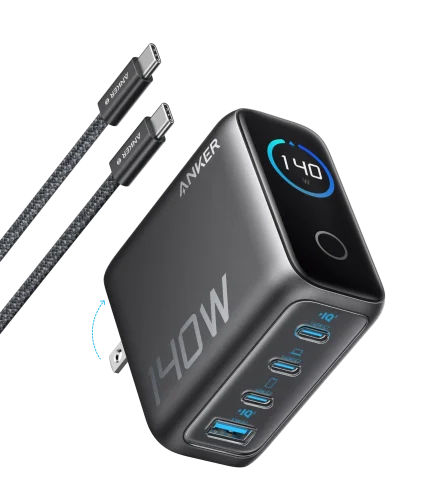
Anker Prime Laptop Charger (140W, 4-Port, PD 3.1) with USB-C Cable
-
+
Subtotal
₨ 27,298
Total
₨ 27,497
Continue shopping
2