


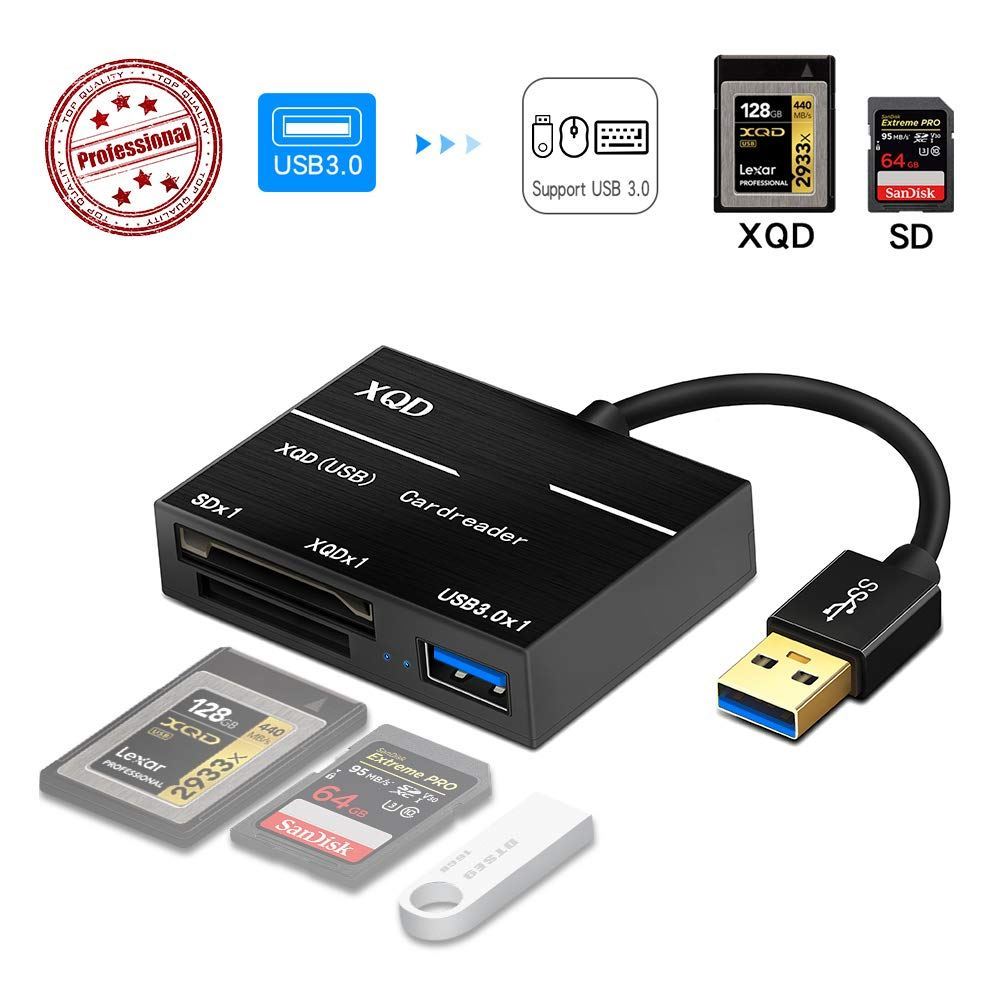
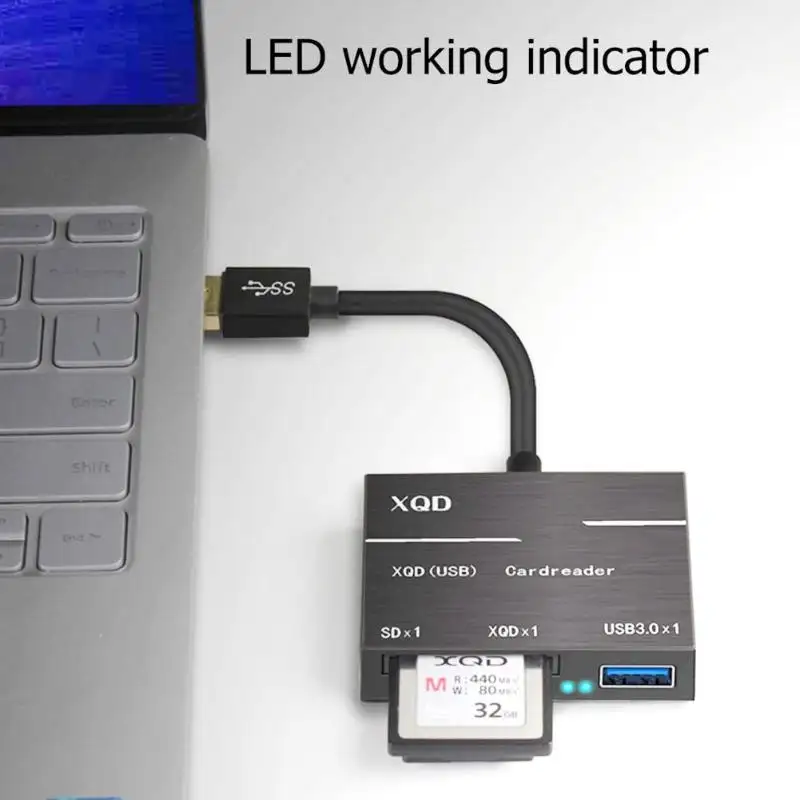
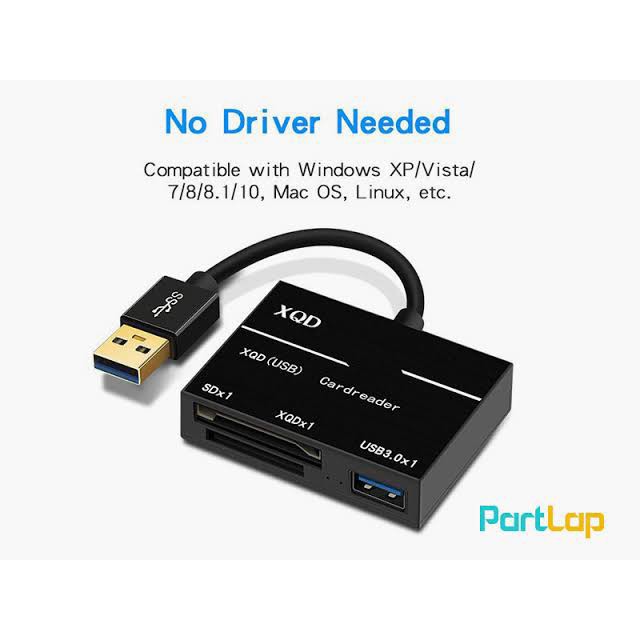
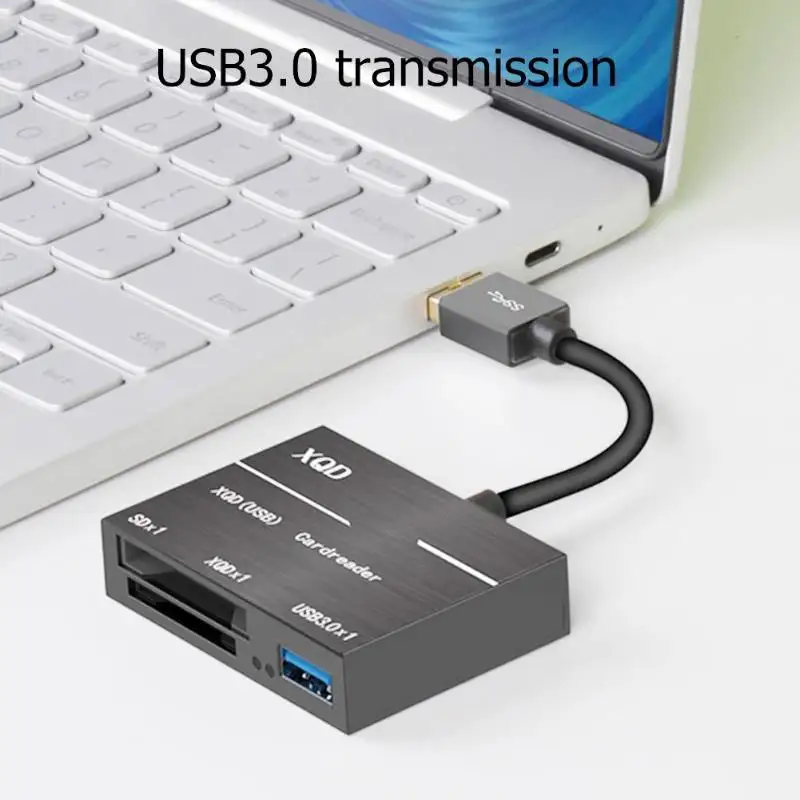
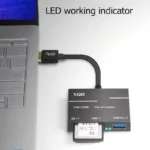
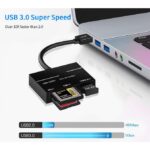
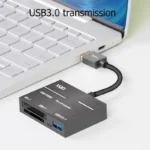


- This portable XQD 2.0&USB 3.0 card reader helps you to download the RAW images and 4K videos from your XQD 2.0 Card to computer in an extremely high speed.
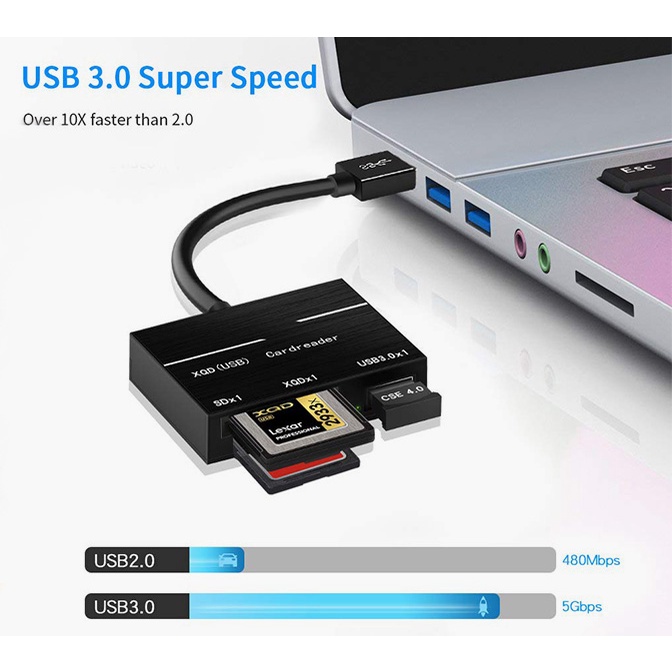
- By adapting the USB 3.0 technology, it speeds up your workflow and lets you get back to work in a short time.
- Its portable and compact design is perfect for photographers and brings you comfort and convenience wherever you are.
- Adapting USB 3.0 technology, transfer speed can reach 500mbs/s Supported cards: Sony G series, Lexar XQD cards with USB mark
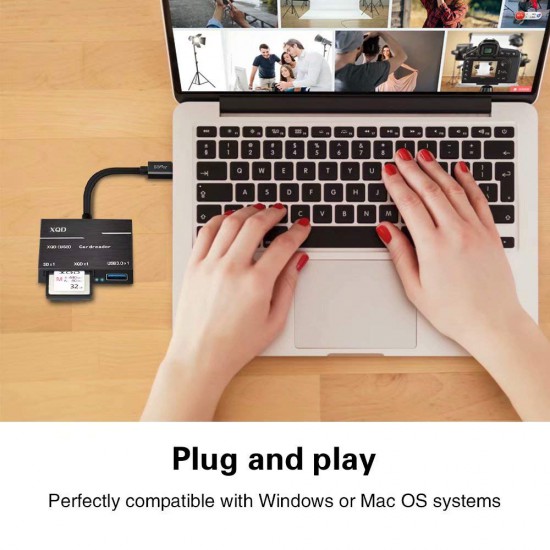
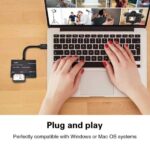
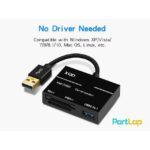
- Compatible with Windows/Mac OS system Easy to use, just plug and play, support Hot Swapping
Description
Related products


Out Of Stock


24% Off

Recently Viewed


Baseus 65W GaN3 Pro Desktop Fast Charger 2C+2U EU with 100W Cable
Highlights:
 (Charging at the same time (65W Version):
Type-C 1 + Type-C 2 Output: 45W + 20W
Type-C 1 + USB1 Output: 60W + 5W
Type-C 1 + USB2 Output: 45W + 18W
Type-C 2 + USB1 Output: 60W + 5W
Type-C2 + USB 2 Output: 5V/3A 15W
Type-C1 + Type-C 2/USB2 + USB 1 Output: 45W + 15W + 5W
Type-C1 + [Type-C2 + USB 2]+ USB 1 Output: 45W + 15W + 5W
Note : Please use with a fast charging cable for a better user experience
Out Of Stock

Reviews
There are no reviews yet.